
CloudMounter offers an annual subscription that provides access to all supported cloud storage services and connections in read and write mode. A 7-day free trial is available with the annual subscription.
Checking your subscription status
You can check your subscription details directly in CloudMounter. To open the subscription window, go to Help & Support > Manage Subscriptions in the menu bar.
| Note: This menu item is available only when a subscription license key has been entered in CloudMounter. |
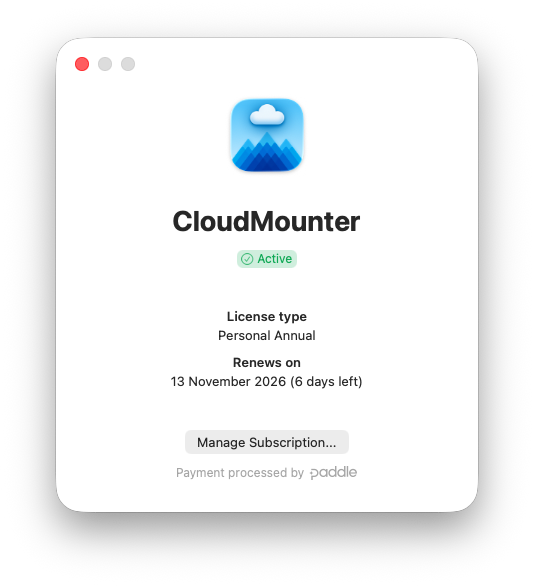
The subscription window displays the following information:
- Subscription status: shows whether your subscription is currently active.
- License type: displays your subscription plan.
- Renewal date: shows when your subscription is scheduled to renew and how much time is left in the current billing period.
Managing your subscription
To manage your subscription, click Manage Subscription... in the subscription window. You will be redirected to your account on Paddle, CloudMounter's payment provider. There, you can update your payment details or cancel your subscription renewal.
Any changes to your payment details or subscription renewal settings are managed through Paddle.